Quick Start
Installing Zernikalos Nest
How to install and run the Nest desktop application
Prerequisites
No engine build is required to use Nest for asset bundling.
Recommended: Download the desktop app (Releases)
Download the latest Nest release for your OS from:
Install / unzip it, then launch the app.
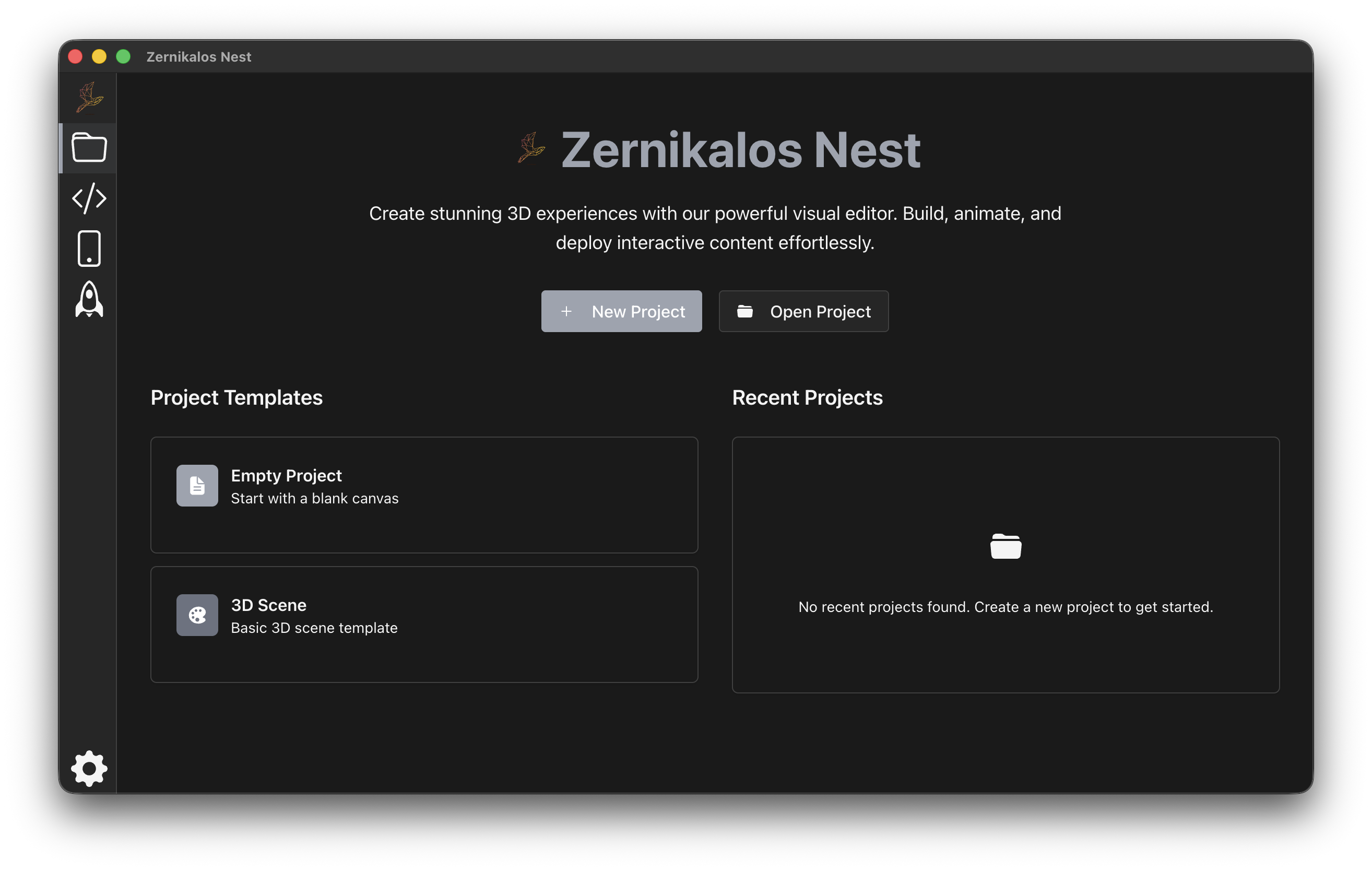
If everything has succeeded you will be able to see the Nest App being launched on your desktop:
Developer setup (from source) is still possible, but is not required for the Quick Start.
Developer setup (from source)
Use this section only if you want to contribute to Nest.
1) Clone repositories
# Clone ZKBuilder
git clone https://github.com/zernikalos/zkbuilder.git

# Clone Nest
git clone https://github.com/zernikalos/nest.git
2) Install & build (pnpm)
Use pnpm for this monorepo.
cd zkbuilder
pnpm install
pnpm build

cd ../nest
pnpm install
pnpm build
3) Run
pnpm run dev